Quick Summary: SSD recovery costs start cheap with software ($70–$100) for logical file loss, but lab work jumps to $200–$2,500 for hardware failures like NVMe NAND damage-Jet Data Recovery’s public quotes list 2–7 days for most cases, though complex jobs can take weeks. Stop using the drive immediately to avoid overwriting data, and always get a written evaluation before paying, since rush service won’t fix physical damage. The biggest cost driver isn’t drive size but the type of failure: firmware issues or controller death push prices up fastest.
SSD recovery software is often the cheapest first move for deleted files on a drive that still works. Free tools to $150 licenses may help, but a missing SSD, wrong capacity, or controller damage needs a lab. Lab work often costs hundreds to $2,500 or more and can take days or weeks. Bad choices raise the risk and cost. This guide compares SSD recovery software, lab prices, and Jet Data Recovery’s public claims.
The 2026 Price Divide: Software First, Lab Work Later
What Software Can Cost in 2026
Recovery software is the low-cost first step for a healthy SSD with deleted files or a damaged partition. Expect free scans and paid licenses around $70 to $100.
- Scan first and save files to a different drive.
- Stop if the SSD freezes, vanishes, or reports 0 bytes.
Warning: Installing software on the failed SSD can overwrite the files you need.
What Professional SSD Recovery Costs
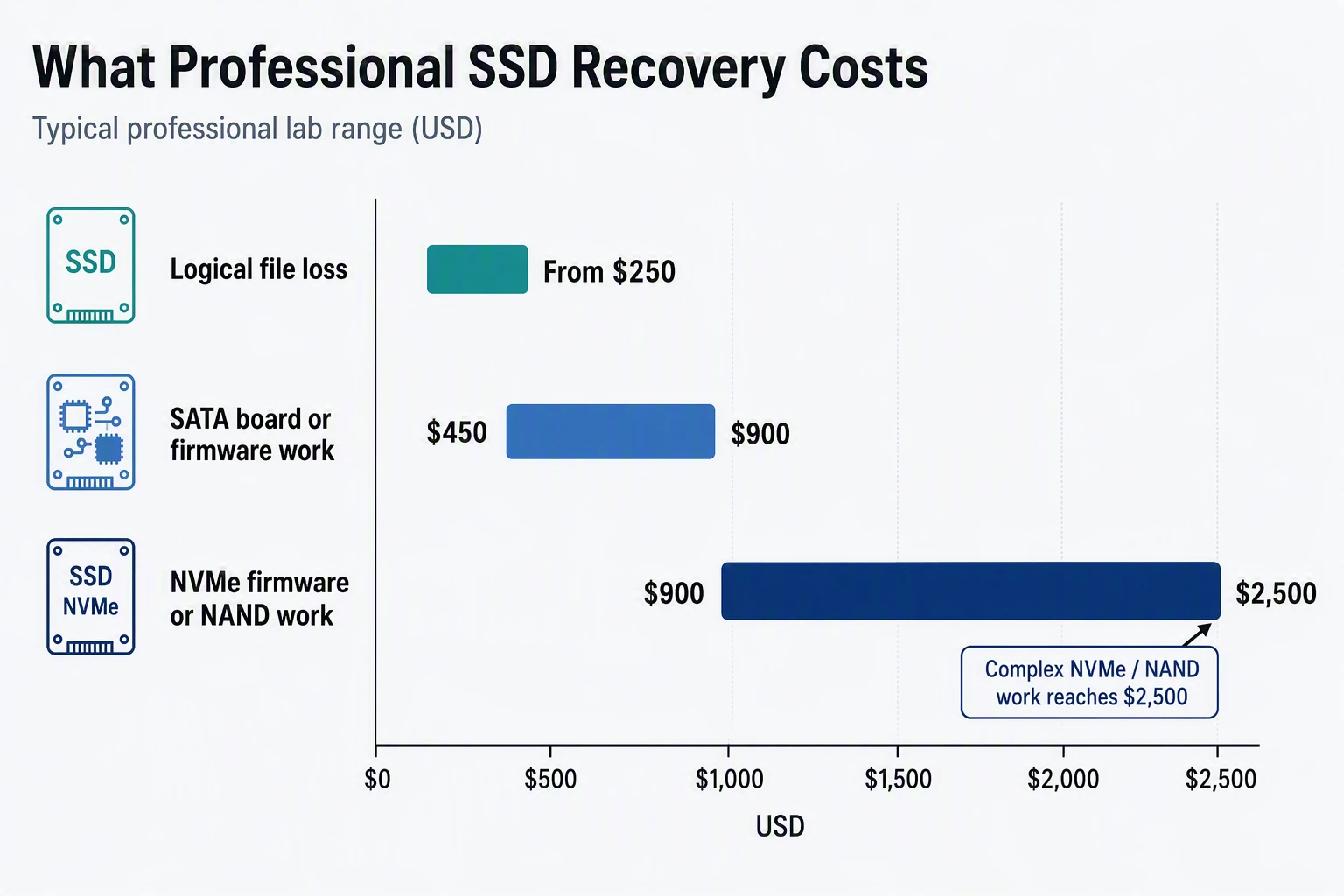
Lab work starts when hardware, firmware, or NAND has failed. Published SSD ranges run from $200 for a simple copy to $2,500 for complex NVMe NAND work, according to Rossmann Group’s 2026 pricing.
| Failure type | Typical lab range |
|---|---|
| Logical file loss | From $250 |
| SATA board or firmware work | $450-$900 |
| NVMe firmware or NAND work | $900-$2,500 |
- Power the drive off after hardware symptoms.
- Request a written evaluation and quote.
- Ask whether return media and rush handling cost extra.
Also Read: Blog – Jet Data Recovery Service
The Symptom Test: When SSD Recovery Software Is Safe
Signs a Software Scan May Be Reasonable
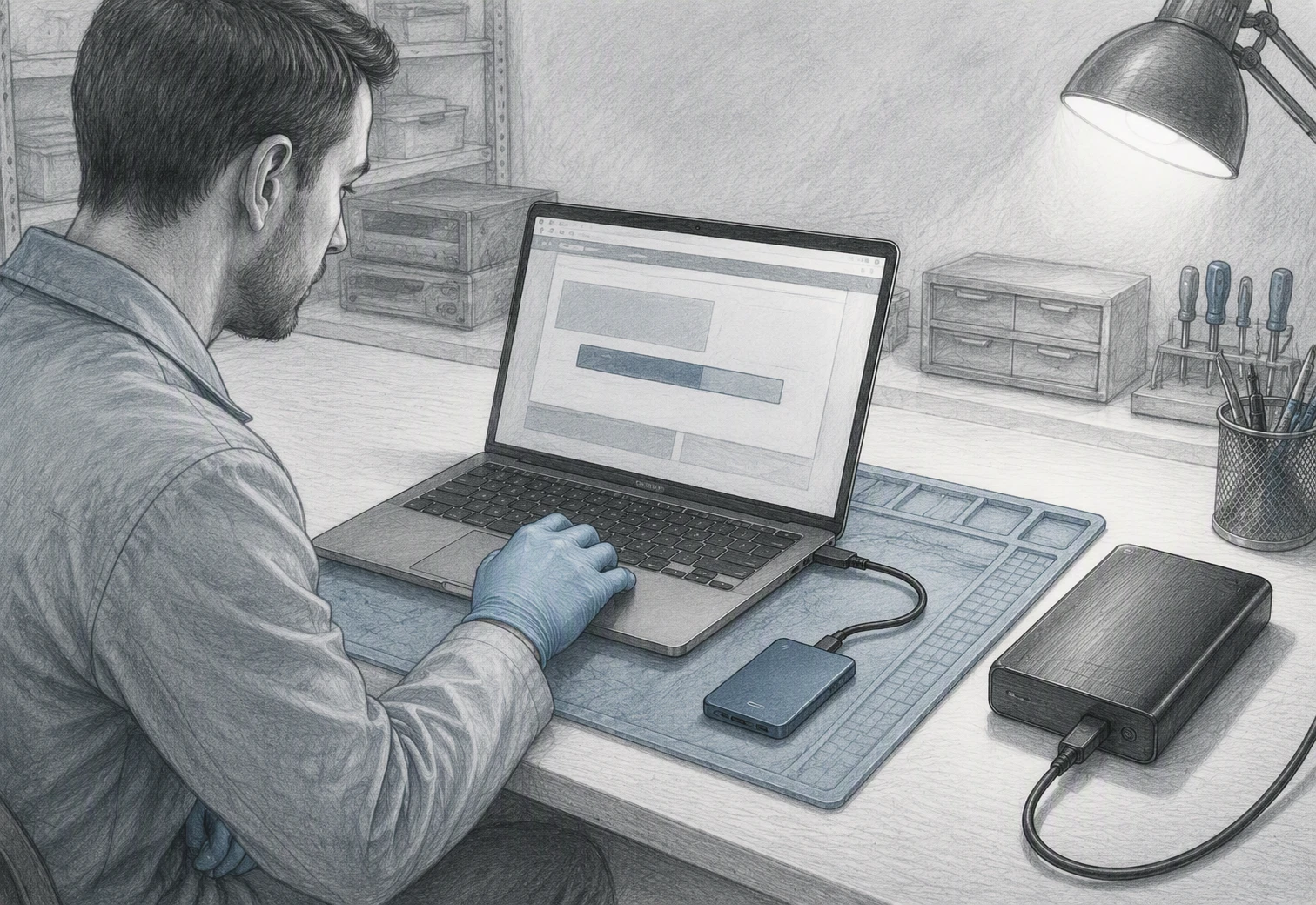
Try a read-only scan if the SSD mounts normally, files were deleted recently, and the drive is an external USB model. Stop using it first. Save any results to another drive. SSD TRIM can erase stale blocks quickly, so deleted-file results are never certain, as Carnegie Mellon research found.
Signs to Stop and Contact a Lab
Do not scan if the SSD vanishes, asks to format, reports I/O errors, freezes, or contains critical business data. Repeated power cycles and writes can worsen a failing drive.
Warning: Never install recovery software or save recovered files onto the affected SSD.
- Power it down.
- Label the drive and note its symptoms.
- Contact a lab such as Jet Data Recovery for a safe assessment.
Also Read: Data Recovery Services – Latest Blogs
Turnaround Is Measured After Diagnosis, Not After the Click
Why Published Windows Differ
A quoted window starts only after the lab checks the SSD. Diagnosis shows whether the issue is file system damage, a failed controller, encryption, or NAND wear. NIST notes that recovery methods have limits and can produce different results.
Stop using the SSD. New writes can reduce what remains recoverable.
Rush Service Does Not Change the Failure
Rush service moves your case ahead in the queue. It cannot make damaged chips readable or bypass encrypted data. Ask for:
- Diagnosis time
- Recovery estimate
- Rush fee
- Secure return method
| Service level | What changes | What does not |
|---|---|---|
| Standard | Queue position | SSD failure type |
| Rush | Technician priority | Physical repair needs |
Also Read: Alamo Heights Data Recovery Service – Certified Data Recovery Service
What Jet Data Recovery’s Public Record Shows
What the Website Claims
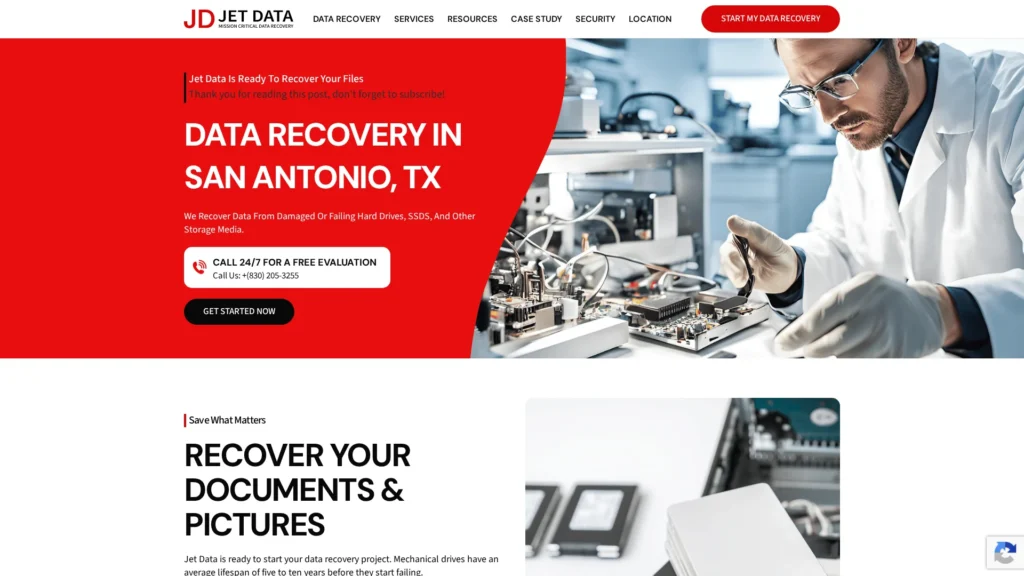
Jet Data Recovery says it handles SSD failures, deleted files, firmware issues, and physical damage. Its SSD page advertises a free assessment, an upfront quote, and typical recovery times of 2 to 7 business days. Its FAQ lists evaluation in 8 to 24 hours and most recoveries in one or two days. Read the SSD service details.
Treat these as service claims, not a promise for every SSD case.
Questions to Ask Before Authorizing Work
Ask these questions before you approve a quote:
- Is this recovery done in-house or sent to a partner lab?
- What is the full price, including return media and shipping?
- Is the quoted turnaround calendar days or business days?
- How will sensitive files be secured and deleted afterward?
Jet Data’s terms state that physical and cleanroom work may be referred to an independent partner lab with your approval.
 Homepage
A failed SSD needs quick, careful action. Contact Jet Data Recovery for secure lab recovery and clear turnaround guidance.
Frequently Asked Questions
Q1: Jet Data Recovery SSD service reviews?
Public review detail may be limited. Check recent independent feedback, ask about SSD controller support, written pricing, security steps, and no-recovery fees before approval.
Q2: How much does SSD recovery cost?
Simple logical recovery may cost less than chip-level work. Failed controllers, encrypted drives, and severe damage raise lab time and price.
Q3: How fast can an SSD recovery finish?
A basic case may take days. Complex SSD failures can take weeks, especially when parts, firmware work, or clean-room handling is needed.
Conclusion
SSD recovery cost and timing depend on the fault, not drive size. Stop using a failed SSD, compare written quotes, and expect complex NVMe work to cost more, as published 2026 pricing shows.