Quick Summary: For a stable SSD with simple file loss, data rescue software like Data Rescue can work, but if the drive disappears, freezes, or holds critical data, professional flash recovery is safer. TRIM and garbage collection can erase deleted blocks quickly, so stop using the SSD immediately to preserve what remains. The article recommends imaging a working drive first, and escalating to a lab like Jet Data Recovery for unstable, encrypted, or forensic cases.
If your SSD mounts after deletion, Data Rescue can be a fair first test. If it vanishes, freezes, or shows the wrong size, choose flash recovery instead. TRIM and garbage collection change the odds. This guide compares software with professional flash recovery for safety, cost, access, and evidence needs. The right flash recovery choice protects what remains.
SSD Recovery vs Data Rescue Software: At a Glance
| Data Rescue software | Professional SSD flash recovery | |
|---|---|---|
| Best fit | Visible, stable SSD with logical file loss | Unstable, invisible, damaged, or high-value SSD |
| Access requirement | Drive must be detected and readable | May investigate beyond normal operating-system access |
| TRIM limitation | Cannot restore data already erased by TRIM or garbage collection | Cannot guarantee recovery after physical erasure |
| Handling unstable hardware | Includes cloning, but requires careful user operation | Controlled diagnosis and specialized recovery workflow |
| Technical scope | File-system scans, deep scans, previews, and cloning | Controller, firmware, flash translation, and NAND-level investigation |
| Risk profile | Lower when source remains untouched and output uses another drive | Best suited to minimize avoidable handling of critical media |
How Data Rescue software and Professional SSD flash recovery Compare
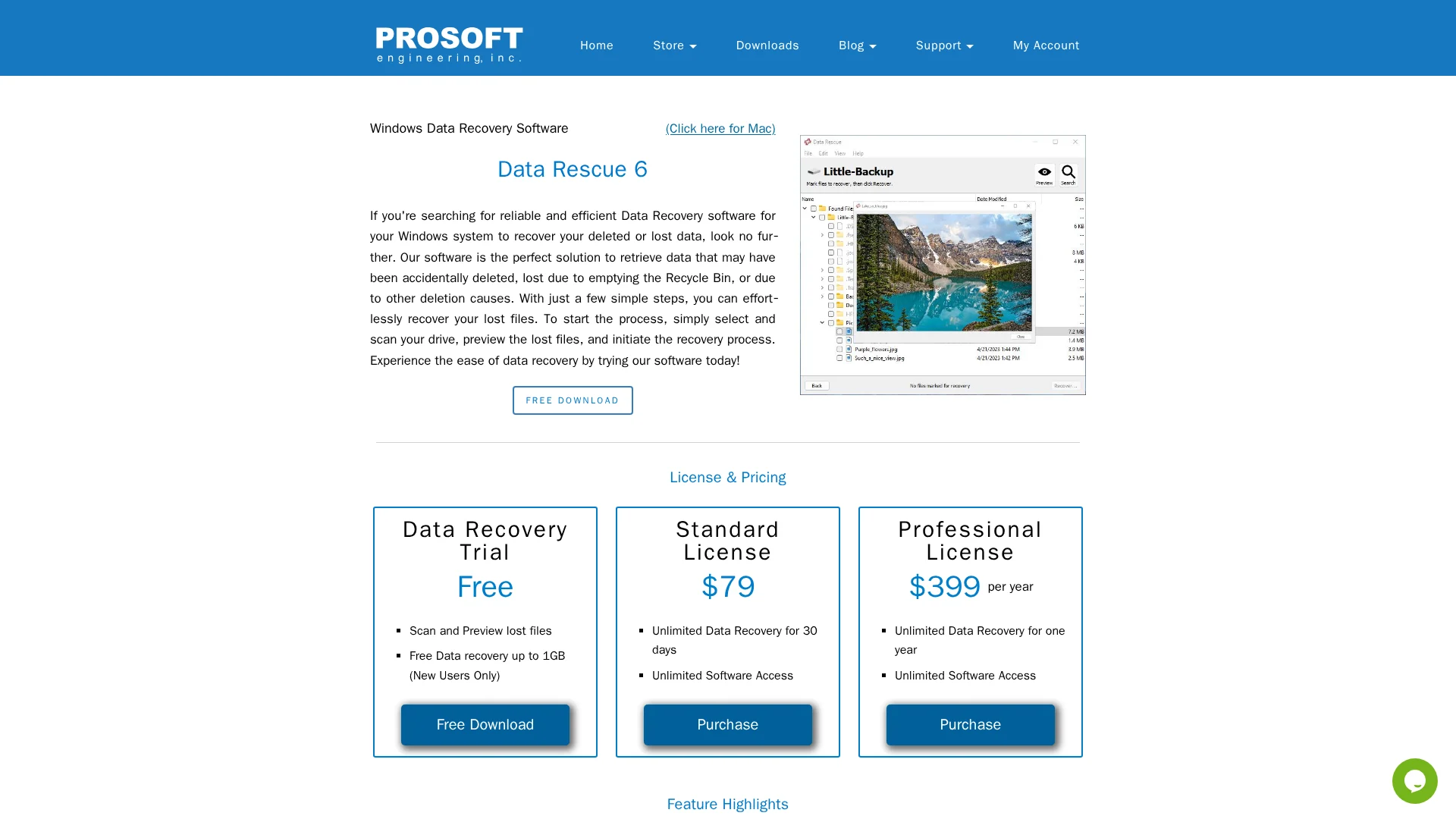
Data Rescue software
Data Rescue is a self-service app for a detected, stable SSD with deleted or lost files. It scans readable storage, but TRIM can sharply limit results.
Professional SSD flash recovery
Professional recovery suits failed, unstable, or unseen SSDs and high-value data. Jet Data Recovery can assess controller, firmware, and flash-level faults beyond normal system access.
Why SSD Flash Recovery Is Different From Ordinary File Recovery
TRIM Can End the Software Recovery Window
On a hard drive, deletion often removes only the file record. An SSD may receive TRIM, which tells its controller that those pages are no longer needed. Garbage collection can then erase them quickly. Research found TRIM greatly reduces what remains recoverable. CMU’s SSD study shows results vary by controller.
Warning: Stop using the SSD. Do not install recovery software or save new files to it.
What Software Can and Cannot See
Recovery software reads the logical space the controller exposes. It can find files if their data and file records still exist.
| Software may see | Software cannot reliably see |
|---|---|
| Intact deleted records | TRIMmed pages hidden by the controller |
| Accessible partitions | Remapped raw NAND locations |
Wear leveling can move data behind that logical view, complicating forensic work. SSD forensic research notes TRIM and background cleanup add uncertainty.
Also Read: Blog – Jet Data Recovery
Data Rescue Software Versus Professional Recovery: Capability and Risk
When Data Rescue Is a Reasonable First Test
Use software only if the SSD mounts, stays stable, and the loss was a simple deletion or format. Scan a read-only clone and save files to another drive. NIST notes recovery tools use file-system metadata to identify and reconstruct deleted files, so results can be incomplete or wrong. NIST’s recovery guidance
When a Professional Lab Is the Safer Choice
Stop if the SSD disappears, asks to be formatted, reports I/O errors, or holds critical data. More scans can add stress and may reduce options. A lab such as Jet Data Recovery can assess controller, firmware, and NAND-level faults without writing to the source.
Warning: For legal or forensic data, preserve the device and chain of custody. Software output may need validation.
Also Read: Data Recovery Services – Latest Blogs
A Safe Decision Process for SSD Flash Recovery
Stop using the SSD at once. New writes can trigger TRIM and garbage collection, which may erase deleted data permanently. Research on SSD forensics confirms these background processes complicate recovery.
- If files were deleted but the drive works: image it first, then scan the copy.
- If the drive is missing, slow, or disconnecting: do not run repair tools.
- If it holds encrypted, legal, or critical business data: preserve it and escalate.
Warning: Never format, initialize, or run CHKDSK on the original SSD.
| Symptom | Safest next step |
|---|---|
| Accessible drive | Create a verified image |
| Not detected | Seek flash recovery help |
Also Read: Alamo Heights Data Recovery | San Antonio TX | Jet Data
Which Should You Choose for SSD Flash Recovery?
Choose recovery software only if the SSD is stable, detected, and the loss was recent. Stop using it first, then scan a clone if possible.
Choose professional data rescue for a dead drive, repeated disconnects, encryption, RAID, or evidence-sensitive data. TRIM and garbage collection can erase deleted blocks quickly, as SSD research confirms.
| SSD symptom | Better choice |
|---|---|
| Files deleted, drive works | Software scan |
| Drive not detected or unstable | Professional lab |
| Legal or forensic data | Professional lab |
Do not install recovery software on the affected SSD.
Stop repeated scans before they overwrite recoverable SSD data. Contact Jet Data Recovery for secure, professional assessment and recovery.
Frequently Asked Questions
Q1: SSD recovery vs data rescue software?
Software can recover files from a healthy, readable SSD. Professional recovery is safer when the drive disappears, freezes, reports errors, or holds critical data.
Q2: Should I keep using a failing SSD?
No. Stop writes immediately. Continued use can trigger TRIM cleanup, overwrite recoverable data, or worsen a hardware fault.
Q3: Can deleted SSD files always be recovered?
No. TRIM may erase deleted blocks quickly. Recoverability depends on the SSD model, encryption, power state, and how soon you stop using it.
Conclusion
Use software only for a stable SSD with simple file loss. For failure, encryption, or critical records, stop writes and seek professional recovery. NIST notes secure erase can make data infeasible to access.