Quick Summary: RAID parity recovery is safer when data is valuable and the array is still readable, especially after a single drive failure. Replacement is better for quick server recovery when hardware is clearly failed, backups exist, or uptime is critical. The decision depends on whether preserving data or minimizing downtime is the priority, with expert help recommended to avoid data loss during failure handling.
After a RAID alert, the wrong first move can destroy recoverable data. RAID parity recovery usually beats replacement when the array is degraded, parity errors exist, and data matters more than hardware. Replacement wins when one failed part is clearly isolated. This comparison helps admins judge failure mode, downtime, and overwrite risk. It is built for real server cases where RAID parity recovery or replacement must happen fast.
RAID Parity Recovery vs Replacement at a Glance
| RAID parity recovery | Replacement | |
|---|---|---|
| Recovery objective | Preserve existing data | Restore service hardware |
| Data-loss risk | Lower if the array is untouched | Higher if data is already at risk |
| Downtime impact | Moderate to high | Low to moderate |
| Best for | Valuable server data | Noncritical or already-backed-up systems |
| Typical failure scenarios | Parity errors, single-drive failure, failed rebuild | Confirmed hardware failure, planned refresh, irrecoverable array |
How RAID parity recovery and Replacement Compare
RAID parity recovery
This path rebuilds missing blocks from surviving parity and member disks. It fits servers with high-value data, especially after a single-disk failure, parity mismatch, or a failed rebuild. RAID uses parity for fault tolerance and recovery in common levels like RAID 5 and 6, as outlined in Standard RAID levels.
Key strengths
- Preserves existing data
- Lower risk if you do not write to the array
- Best when the server data matters more than fast hardware return
Replacement
This path swaps failed parts or moves the workload to new storage so the server can come back fast. It suits noncritical systems, planned refreshes, or arrays already protected by backups. IBM notes replacement commonly leads into a rebuild or restore flow on supported arrays in IBM RAID rebuild guidance.
Key strengths
- Lower downtime in many hardware-failure cases
- Good fit for backed-up systems
- Useful when the array is beyond safe recovery attempts
When RAID Parity Recovery Is the Safer First Move
Signals that recovery should come before any rebuild
Choose parity recovery first if the array is still readable in degraded mode. RAID 5 and RAID 6 can often serve data after one drive fails because parity fills the gap, as outlined in RAID basics. Rebuild is riskier when you hear clicking, see slow reads, find multiple pending sectors, or suspect a second weak disk.
If the data matters and you do not have a verified backup, do not rush to swap drives and rebuild.
- Array mounts, but reads are slow
- SMART shows read errors or reallocated sectors
- One member drops in and out
- Controller logs show timeout or medium errors

Research from USENIX on parity-based RAID faults shows parity systems can spread corruption if errors already exist.
Also Read: Blog – Jet Data Recovery
When Replacement Is the Better Operational Choice
Replacement makes sense when uptime matters more than a long rebuild window. A degraded RAID can stay online, but performance often drops hard, and some systems may switch to read-only mode, according to Wikipedia’s degraded mode overview.
Choose replacement first when:
- the server runs production VMs or databases
- you already have good backups
- the failed disk is part of an aging set
- the array uses a hot spare or supports fast swap
IBM notes RAID rebuild work can cut disk performance sharply while the array rebuilds, so waiting may hurt users more than a planned swap during rebuild.
If you hear new clicks, see extra SMART errors, or get a second disk warning, stop chasing recovery and replace hardware fast.
Also Read: Alamo Heights Data Recovery Service – Certified Data Recovery Service
Which Should You Choose for a Failed Server RAID?
Start with one question: do you need the data, or just the server back? If the data matters, pause replacement and assess recoverability first. A failed drive in RAID 0 usually means logical loss across the whole set, while parity and mirror RAID may still hold enough structure to recover, as explained in RAID basics.
- Stop writes if the array is degraded or offline.
- Check RAID level and failure count.
- Choose recovery first if two drives failed, rebuild order is unclear, or the array was reinitialized.
- Choose replacement first if one known drive failed and the array is healthy enough to rebuild.
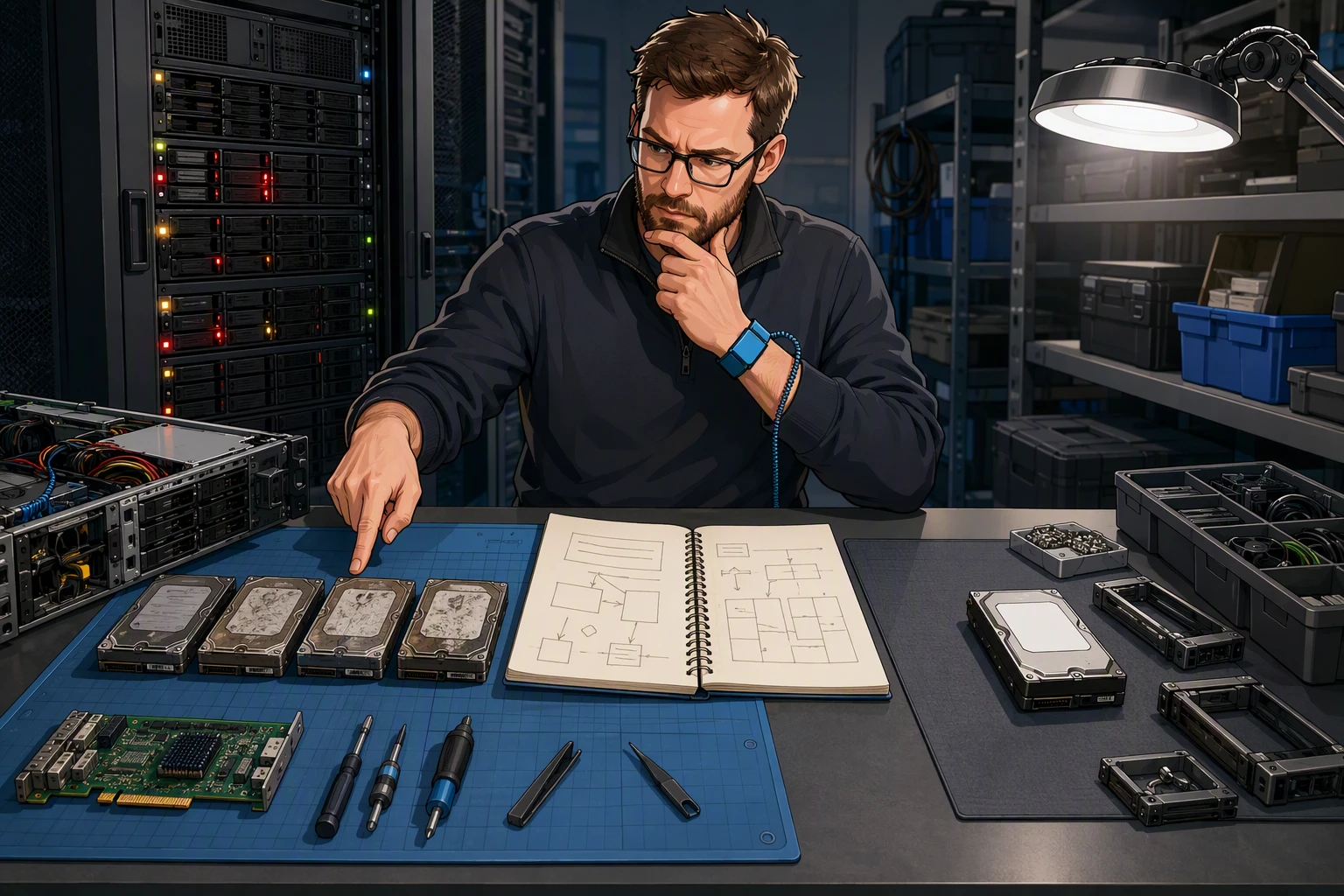
IBM warns that reviving or reconstructing drives in the wrong order can destroy data, especially after multiple failures in RAID 1 or RAID 5 IBM recovery guidance.
The last call is often business, not just technical. Use this quick table:
| Factor | Recovery first | Replacement first |
|---|---|---|
| Critical data | Best fit | Risky |
| Downtime pressure | Slower | Faster |
| Clean backup exists | Less urgent | Strong fit |
If legal records, client files, or rare VM data sit on that array, recovery is usually the safer bet. If uptime matters more and backups are current, replacement wins.
Stop guessing and protect the array. Get expert RAID help from Jet Data Recovery before replacement causes more loss.
Frequently Asked Questions
Q1: RAID recovery vs replacement: which is better?
Recovery is better if data matters and the array still has a path to rebuild safely. Replacement is better when a bad drive, controller, or repeated rebuilds could cause more loss.
Q2: Should I replace a failed RAID drive immediately?
Not always. First check array health, rebuild status, logs, and whether another disk shows errors. Pulling or swapping the wrong drive can turn a degraded RAID into full failure.
Q3: When should I stop and call a RAID recovery service?
Stop after multiple disk errors, clicking drives, failed rebuilds, missing volumes, or wrong RAID order. At that point, continued testing can overwrite parity clues. Jet Data Recovery can assess risk before more damage happens.
Conclusion
Choose recovery when the array still reads and rebuild risk is high. Choose replacement when hardware is unstable. In degraded mode, performance drops and risk rises (Wikipedia); ArchWiki warns RAID 5 rebuilds on large disks face real URE danger.