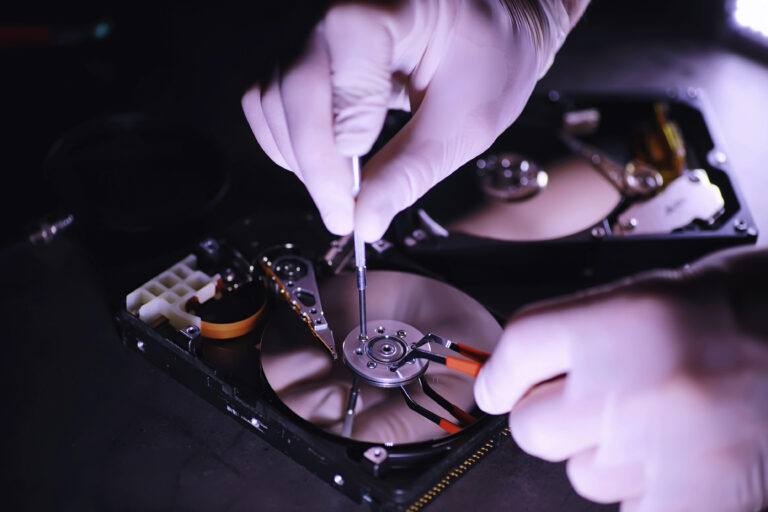
Quick Summary: A failed RAID array becomes unrecoverable if you force a rebuild or swap drives-especially RAID 5, where a second disk failure after the first wipes out all data. The first rule is to power down the server immediately, document drive order and errors, and avoid touching anything until a specialist creates exact sector-level copies of each disk. Professional recovery teams then rebuild the array virtually from those copies, testing configurations like stripe size and parity until files reappear intact. Never let a provider rewrite the original drives; always insist on recovery from images first.
A failed RAID 5 member can trigger an automatic rebuild that puts every remaining disk under heavy read stress. One more disk error can turn a degraded volume into a total outage. Failed array recovery starts by preserving the drives, not forcing a rebuild. This guide explains RAID risks, safe first steps, and how professional failed array recovery teams assess damaged server arrays.
What a Failed Server RAID Actually Means
Failure Scenarios and RAID-Level Risk
A failed server RAID means the system cannot safely read the full set of data. The cause may be failed drives, a bad controller, lost configuration, or a rebuild gone wrong.
- RAID 0: One failed drive can take down the whole array.
- RAID 5: One drive failure is degraded, but a second failure makes data inaccessible, as IBM explains.
- RAID 6: It can handle up to two failed drives before array failure, according to IBM documentation.
- RAID 10: A failed mirror pair can still cause failure.
Stop rebuilds, power cycles, and drive swaps if the data matters. Failed array recovery starts by preserving every member drive and its order.
| RAID level | Main risk |
|---|---|
| RAID 0 | Any drive loss |
| RAID 5 | Second drive loss |
| RAID 6 | Third drive loss |
| RAID 10 | Lost mirror pair |
Also Read: Blog – Jet Data Recovery Service
What to Do Immediately After the Array Fails
Actions That Preserve Recovery Options
Stop all writes at once. Take the server offline, record drive order, RAID level, error messages, and recent changes. Photograph labels and connections before moving anything.
- Isolate the server if malware is possible. CISA recommends isolating affected systems immediately.
- Keep each member disk together and handle it carefully.
- Contact a RAID recovery specialist before replacing drives or rebuilding.
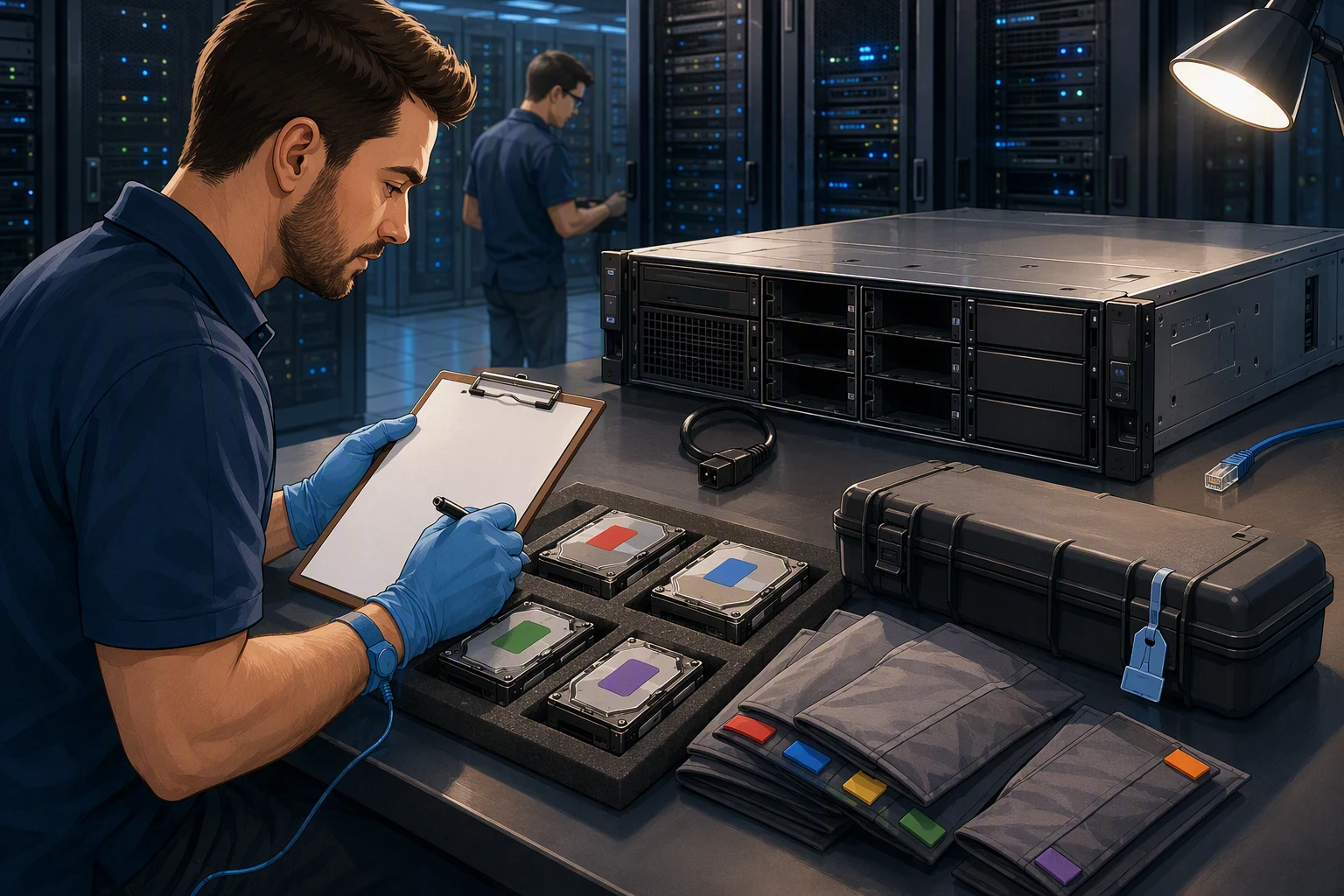
Tip: A failed array can still hold recoverable data. The next action matters more than speed.
Actions That Can Make Loss Permanent
Do not initialize, format, or create a new array. Never run repair tools, firmware updates, or repeated rebuild attempts on the only disk set.
- Do not swap drive positions.
- Do not copy recovered-looking files onto member disks.
- Do not let an automatic rebuild overwrite a failed drive.
Also Read: Data Recovery Services – Latest Blogs
How Professional RAID Recovery Services Work
Diagnosis and Sector-Level Imaging
Recovery starts by stopping writes and checking each drive, controller, and RAID layout. Technicians record drive order, error signs, and RAID level before making sector-level copies. A NIST bit-stream duplicate is an exact copy of stored data, which lets specialists work without risking the originals.
Warning: Do not rebuild, initialize, or replace a failed RAID drive before an assessment.

Virtual Reconstruction and Data Extraction
Specialists rebuild the array virtually from the images. They test stripe size, disk order, parity rotation, offsets, and file-system details until folders and files map correctly.
- Recreate the RAID layout in recovery software.
- Validate directory structure and key files.
- Extract recovered data to separate storage.
| Recovery step | Purpose |
|---|---|
| Virtual rebuild | Avoids changing original disks |
| File validation | Confirms usable recovered data |
Also Read: Alamo Heights Data Recovery Service – Certified Data Recovery Service
How to Choose the Right RAID Recovery Provider
Questions to Ask Before Authorizing Recovery
Ask for a clear plan before you release the server. A qualified provider should explain the first steps, expected risks, and who handles your drives.
- Do you recover this RAID level and controller type?
- Will you create drive images before rebuilding the array?
- What is the evaluation fee, total price range, and turnaround time?
- How do you protect sensitive files and document chain of custody?
NIST advises buyers to assess provider qualifications, capability, and data protection practices in its security services guide.
Never authorize a RAID rebuild on the original drives. Ask for recovery from copies first.

Stop rebuilding the RAID. Contact Jet Data Recovery for secure, professional recovery of failed server arrays.
Frequently Asked Questions
Q1: Top RAID recovery for failed servers?
Choose a lab that preserves every drive, maps the RAID layout, and rebuilds data from copies. Do not let a provider write to original disks.
Q2: Should I replace a failed RAID drive first?
Not before checking array health and backups. A rebuild can stress older drives and turn a single-disk failure into wider data loss.
Q3: Can RAID recovery restore deleted files?
Often, yes. Stop server activity quickly. New writes can overwrite deleted file records and reduce the chance of a clean recovery.
Conclusion
Stop risky rebuilds, preserve every drive, and document the array. RAID recovery depends on correct layout, safe imaging, and verified results. For sensitive cases, NIST guidance reinforces careful evidence preservation.