Quick Summary: Choose a real local recovery lab with a certified cleanroom, free evaluation, written quote, and no-data-no-charge policy, rather than a shop that simply ships your device elsewhere. Power down failing drives immediately, use recovery software only for logical failures on drives that still spin, and expect standard turnaround of 2 to 5 days, with 24-hour rush service available; Jet Data Recovery offers a free evaluation and rush service. Once files are recovered, protect them with the 3-2-1 backup rule and test restores monthly.
You deleted the wrong folder, the laptop will not spin up, or a phone vanished behind a gym bench, and now every search bar fills with “data recovery near me” while the drive still clicks. Lost files do not have to stay lost. This guide shows what to expect on turnaround, cost, and device scenarios, so your lost files get handled by a lab that knows hard drives, SSDs, RAID arrays, and phones inside out.
What a Local Recovery Lab Actually Does
A recovery lab opens your drive in a controlled space, clones what still reads, and rebuilds your lost files. Search “data recovery near me” and you will find two paths: a fix you can try at home, or a lab with cleanroom tools.
When You Can Probably Fix It Yourself
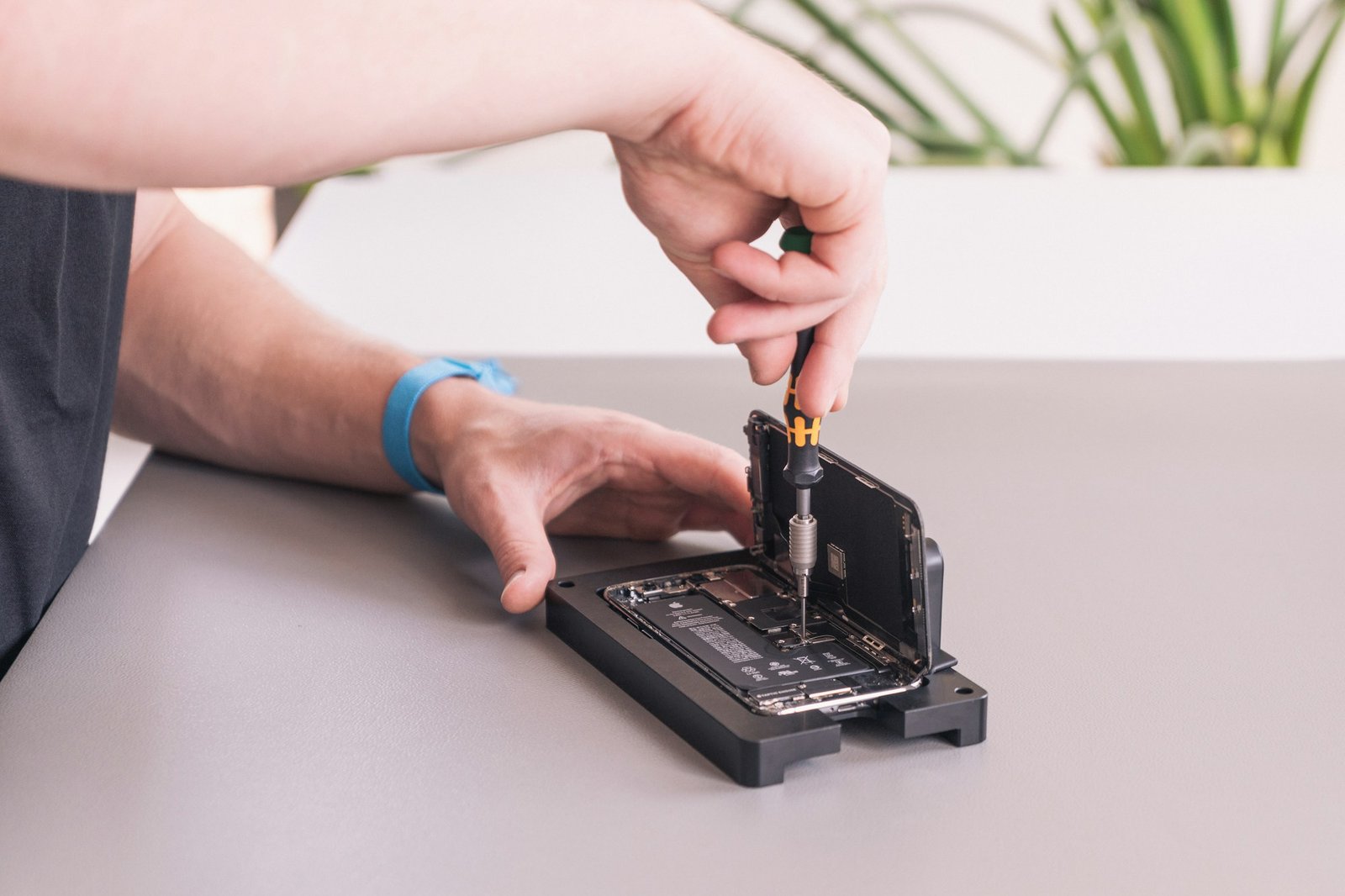
Deleted a file this morning? Power down the drive now, then run trusted recovery software on the partition. Software also works when a drive shows up blank but spins normally, since that points to a logical failure, not broken parts.
When You Need a Professional Lab
Clicking, beeping, or dead-silent drives need cleanroom data recovery, because opening them outside a sealed space lets dust ruin the platters. The same goes for fire, flood, or a dropped SSD, where a lab’s free evaluation tells you what survived before you spend anything.
How to Pick the Best Data Recovery Service Near You
Searching “data recovery near me” comes down to a quick checklist:
- Free evaluation with a written quote before any work starts
- No data, no charge policy
- Certified cleanroom for opened drives
- Real local lab, not a drop-off point that ships your drive away
Questions to Ask Before You Ship Anything
Ask who opens the drive, whether the lab is ISO-certified, how much evaluation costs, and what happens if recovery fails. Also ask about chain of custody and shipping insurance, since transit is where many damaged drives get worse. A confident lab answers these in one call.
Red Flags That Mean Walk Away
Watch for flat-rate quotes given over the phone, guarantees of 100% recovery, and pressure to pay before diagnosis. Labs that open hard drives outside a cleanroom can turn a fixable failure into a total loss. And if a “nearby” shop just mails your device elsewhere, you’ve found a middleman, not a lab.
Why Speed Matters and What Rush Really Buys
Standard recovery takes about 2 to 5 days, while a 24 hour rush service puts an engineer on your drive immediately. Rush matters most for business downtime, legal deadlines, and drives making clicking noises, where every power-on risks further damage. A lab like Jet Data Recovery offers rush turnaround with a free evaluation first.
Device and Situation Playbook
Each failing device needs different handling. Match your situation below before you power anything on.
Mechanical Drives, SSDs, and RAID Arrays
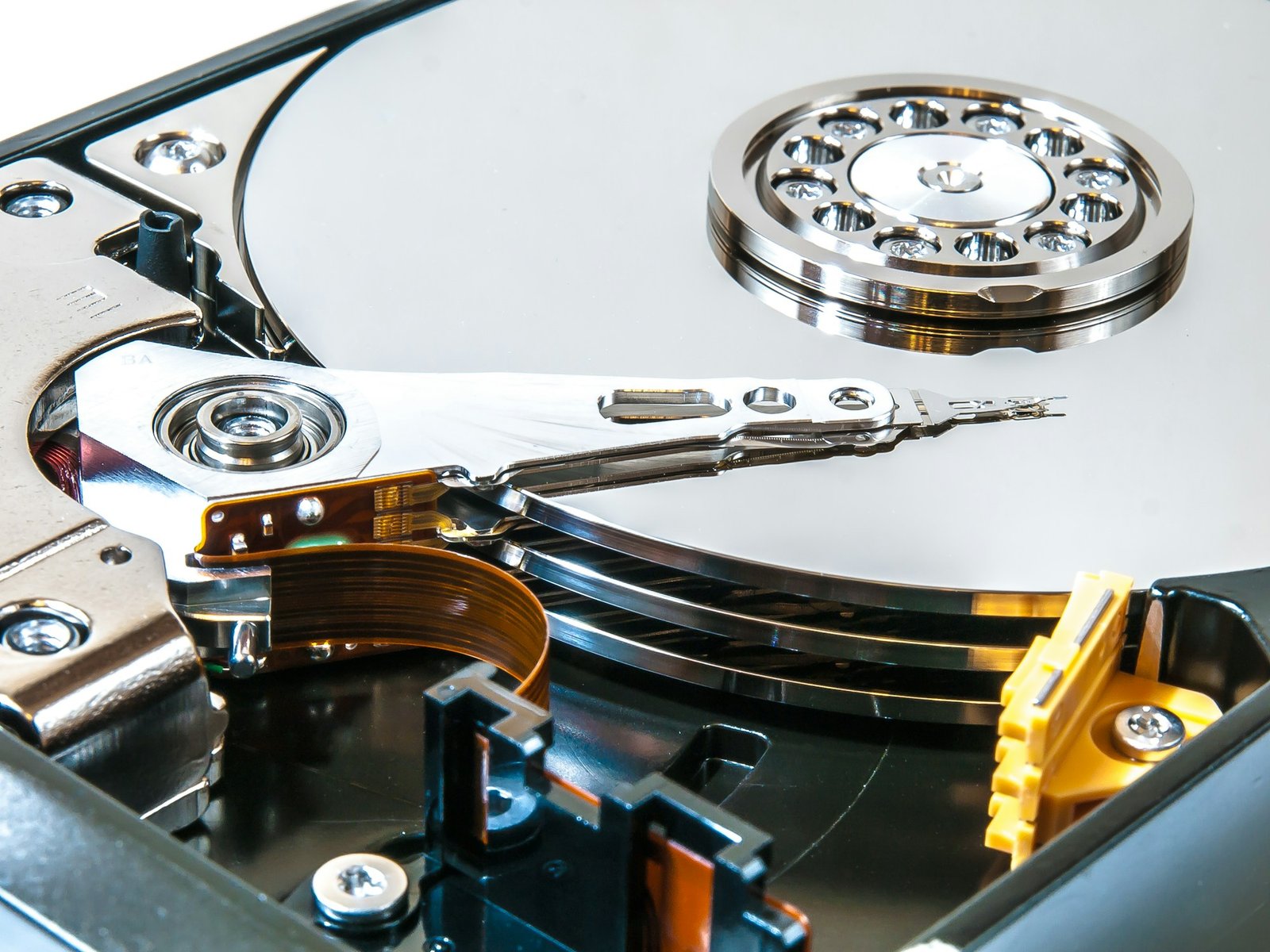
Clicking or beeping hard drives mean physical failure. Power them down; every extra minute can grind the platters. Dead SSDs and controllers usually fail cleanly, so recovery odds stay high if you stop writing data. Failed RAID arrays need all member drives, labeled and shipped together, for RAID recovery in a lab setting.
Phones, Tablets, and Removable Media
Lost files on phones often survive drops, water damage, and dead screens. Stop charging the device and note what happened, since that history guides the repair. USB sticks and SD cards with bent connectors need chip-level work, not software scans. If flash memory itself failed, no DIY tool will help.
Getting Your Files Back and Keeping Them Safe
Before and After the Handoff
No, do not keep using the device. Every new write can overwrite your lost files, so power it down and leave recovery to a professional lab. A free evaluation tells you what failed before any work starts, and a clear quote follows. Ship the drive padded, in an anti-static bag, and choose the free evaluation first.
Backups That Prevent the Next Loss
Once your files return, set up the 3-2-1 rule: three copies, two media types, one offsite or in the cloud. Test restores monthly so a backup that looks fine actually works. Simple habits beat another emergency.
Lost files don’t wait, and neither should you. Jet Data Recovery offers a free evaluation with no pressure to pay before diagnosis. Start now and get answers today.
Frequently Asked Questions
Q1: Who offers the best data recovery near me right now?
Search for a real local lab with certified cleanroom data recovery, a no data no charge policy, and a free evaluation. Jet Data Recovery meets all three.
Q2: How fast can lost files be recovered?
Standard service takes 2 to 5 days; a 24 hour rush service puts an engineer on your drive immediately.
Q3: Should I try recovery software first?
Only if the drive spins normally with a logical failure. Clicking or silent drives need a lab.
Conclusion
Finding “data recovery near me” means finding a real lab: certified cleanroom, free evaluation, and no data no charge. Power down failing drives, skip DIY for physical damage, and back up with the 3-2-1 rule once your lost files return.