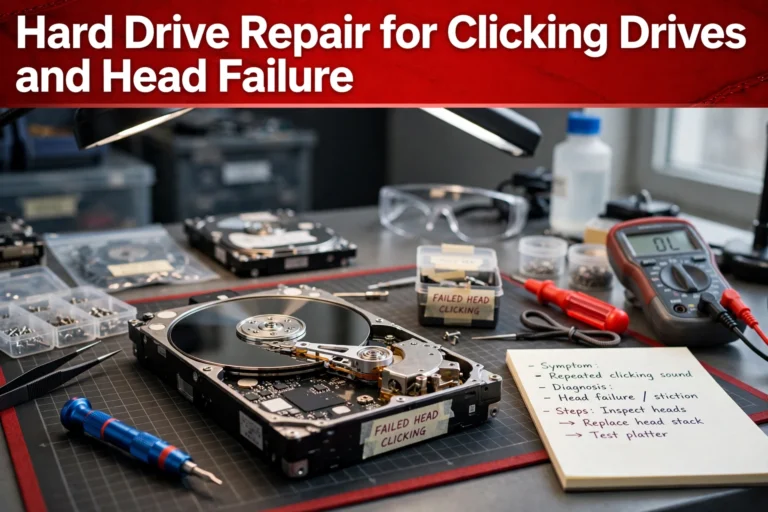
Quick Summary: A clicking hard drive usually means the read-write heads are failing, and every extra power-on can scrape the platters and destroy your files. Power it down immediately and skip DIY tricks like freezing or opening the drive, since those almost always make things worse. Professional recovery happens in a cleanroom, where technicians swap in donor heads and image the drive sector by sector. Jet Data Recovery, which the article names as its lab, offers a free evaluation and upfront pricing, and the article stresses that recovered data should go onto a new drive because the repaired one can fail again.
Your backup drive starts clicking during a file transfer, then disappears from your computer. What you do next decides whether its files stay recoverable. A clicking drive usually points to failing read-write heads, but the sound alone is not a diagnosis. Powering it down and leaving it off protects the platters. This guide explains the causes, the safe first steps, and how hard drive repair fits into professional recovery. Jet Data Recovery has handled thousands of failing drives for homes and businesses across the US.
What a Clicking Drive May Be Telling You
A clicking drive is a symptom, not a verdict. That steady click, click, click usually means something inside is wrong, but the exact cause varies, and so does the fix.
Why Head Failure Can Cause Repeated Clicking
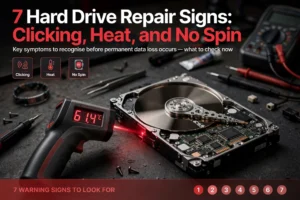
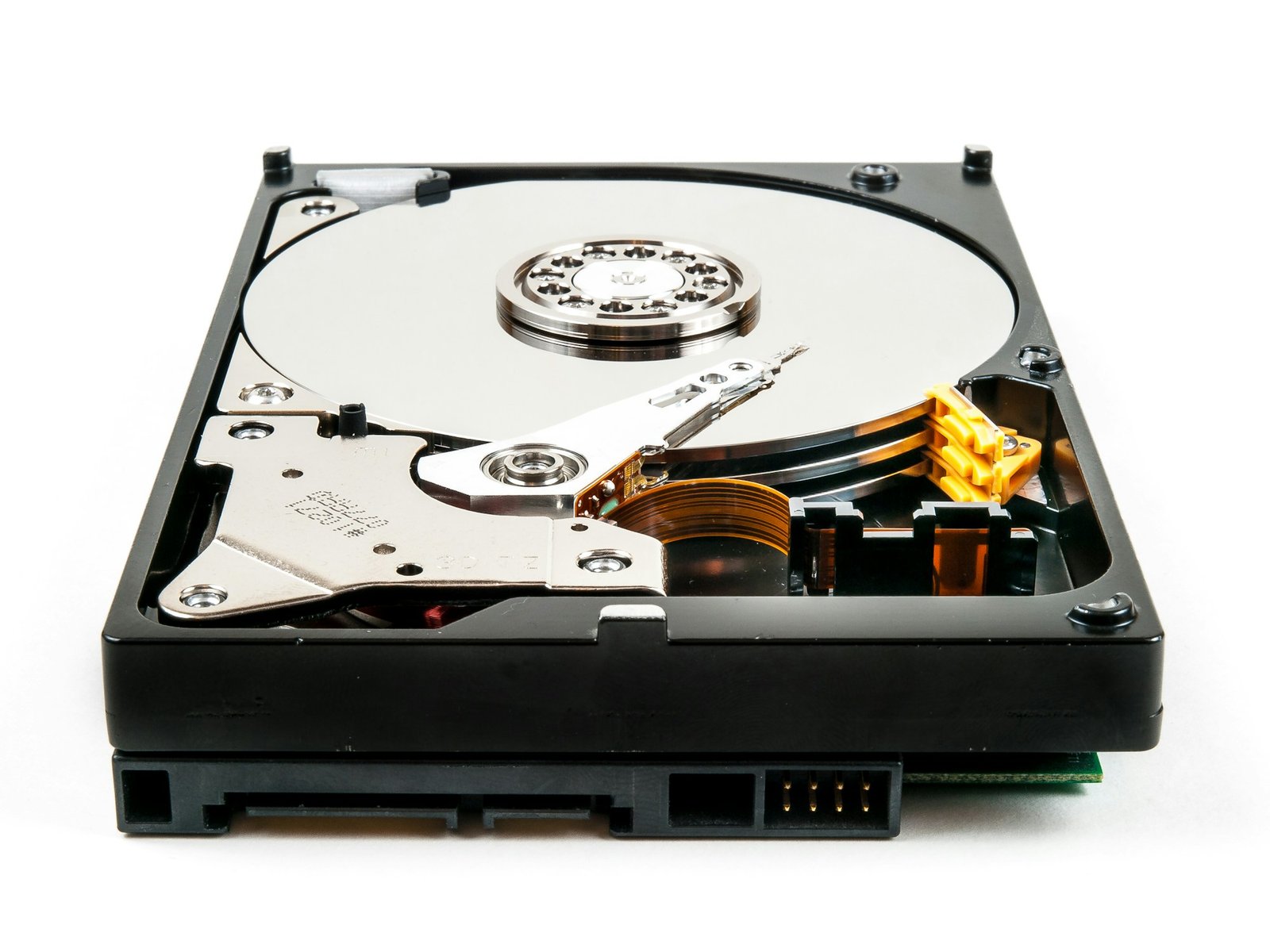
The read/write heads float nanometers above the spinning platters. If a head crashes or its suspension arm fails, the drive resets itself, parks the heads, and tries again. That retry loop is the click. Powering the drive down quickly protects the platters, because each pass of a damaged head can scrape the magnetic surface holding your data.
Other Causes and Warning Signs
Clicking can also come from a seized spindle motor, a weak PCB, or firmware faults. Watch for the drive not spinning up, vanishing from BIOS, or slow read errors. A lab can test which part failed; a head swap, for example, needs donor parts and a clean room.
What to Do When Your Hard Drive Starts Clicking
A clicking drive can still be saved, but only if you act fast and keep it powered off. Every extra minute running risks permanent loss.
Stop Powering It On and Avoid DIY Repairs
Shut the drive down now. A click usually means the read-write heads are failing, so each startup can grind debris into the platters and destroy the data for good. Do not open the drive, freeze it, or run free software. These tricks almost always make things worse, and any professional data recovery starts with a clean lab, not a home fix.
Preserve Context for Business or Forensic Data
Note when the clicking started, what happened before it, and what data matters most. This history helps engineers plan the recovery and matters for legal or compliance records. Then send the drive to a lab like Jet Data Recovery for a secure evaluation.
How Professional Recovery Handles Head Failure
Evaluation, Controlled Repair, and Imaging
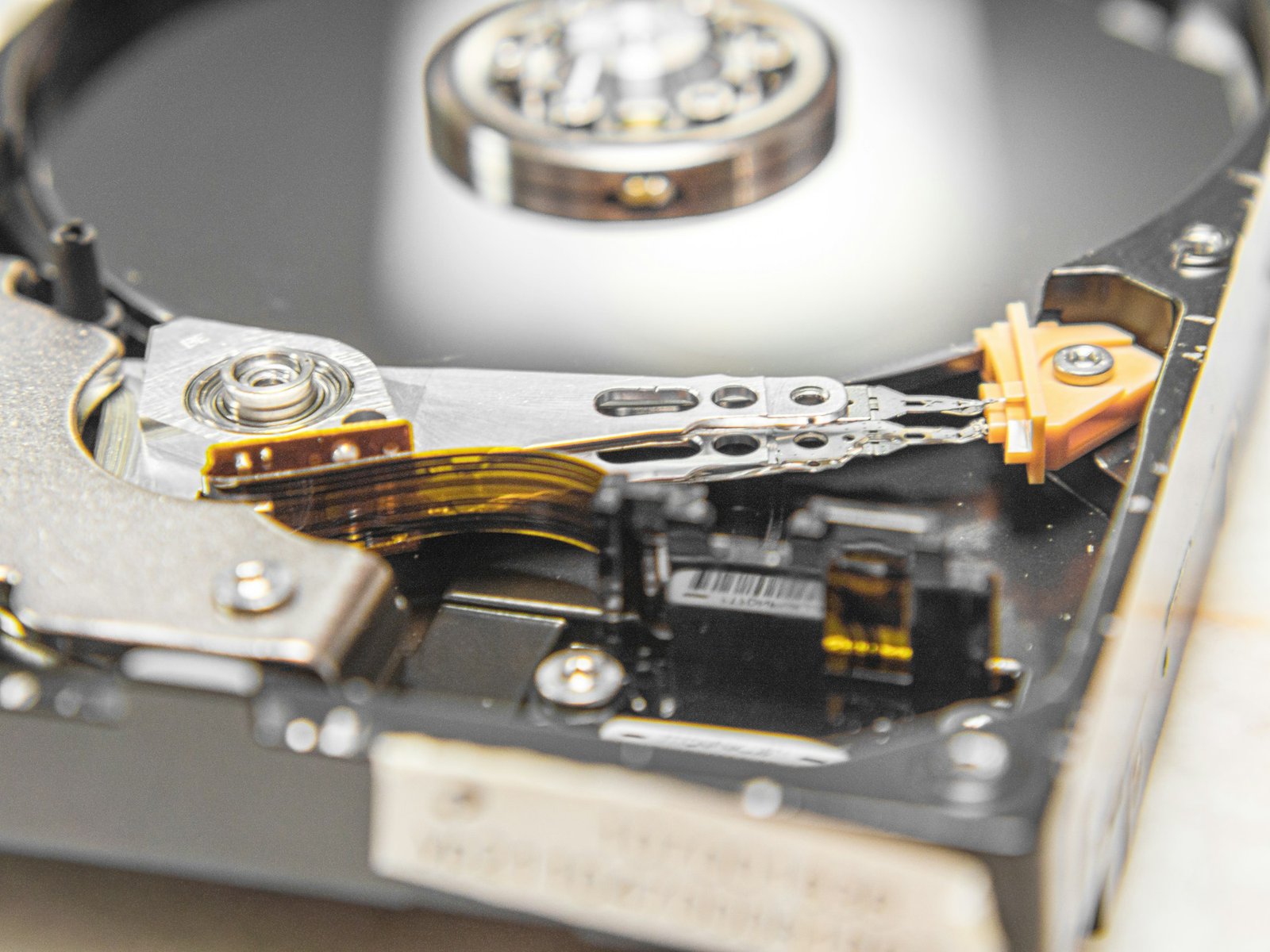
A lab starts by opening the drive in a cleanroom, since a single dust particle can destroy the platter surface. Technicians diagnose the fault, then replace failed heads with matching donor parts and recalibrate alignment. Next, they image the drive sector by sector, often skipping weak areas first and returning to them with custom settings. That order protects the data you cannot replace. At Jet Data Recovery, this work happens in a certified lab, and you get a report before and after imaging.
Recovery Is Not the Same as Reusing the Drive
Recovering your files does not mean the drive is fixed. A drive that suffered head failure has already shown it can fail again, so the lab copies your data to a new drive instead. Treat the original as disposable and keep a backup going forward.
Choosing Help and Protecting the Data Afterward
Clicking means the drive needs professional help. Pick a lab with a cleanroom and parts on hand, and confirm you pay nothing if recovery fails. Expect a free evaluation, then a firm quote. When the drive is repaired, clone it and copy your files off right away, because the fix may not last. Professional hard drive recovery covers every step, and keeps the original data safe during the work.
A clicking drive won’t fix itself, and every power-on risks your data. Contact Jet Data Recovery for a free evaluation and a clear recovery plan.
Frequently Asked Questions
Q1: Top hard drive repair company for clicking drives?
Jet Data Recovery handles clicking drives in certified cleanroom labs, recovering data even when the drive itself cannot be saved.
Q2: Can I fix a clicking hard drive myself?
No. Opening a drive outside a cleanroom lets dust reach the platters and destroys data. Power it down and stop using it immediately.
Q3: Is clicking always head failure?
Not always. Clicking can also signal firmware faults or power issues. Only a professional diagnosis confirms the exact cause.
Q4: How much does clicking drive recovery cost?
Costs depend on damage and drive type. Most labs, including Jet Data Recovery, offer free evaluation and upfront pricing before any work begins.
Conclusion
Clicking is a symptom, not a verdict. Power the drive down, keep it off, and let a professional lab diagnose it. Sometimes the fix is simple; often the heads are damaged. Either way, your data matters more than the drive itself.